Uptime Monitor — Free Online Tool
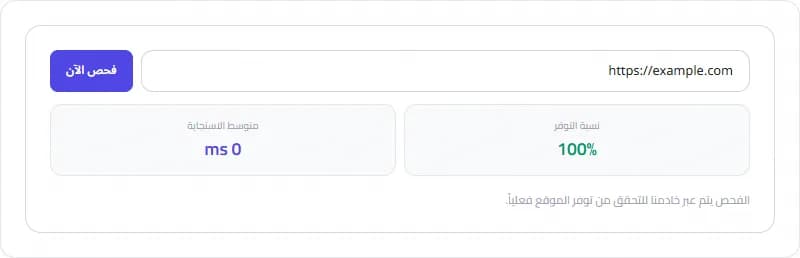
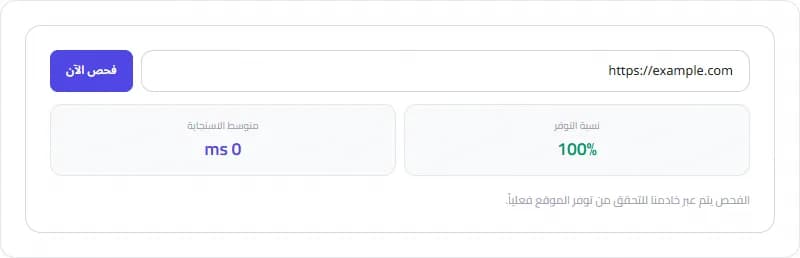
Check if any website is online, measure response time, and track uptime across checks.
What is Uptime Monitor?
Check if any website is online, measure response time, and track uptime across checks.
How to Use
Open the tool, enter your values, and view results instantly. It works in your browser — no sign-up.
Why Use It?
Uptime Monitor runs in your browser, keeping your data private. Free, no limits.
Try the Uptime Monitor now — free and private.
Step-by-Step Usage
- Open the Uptime Monitor
- Enter a website URL
- Click Check Now
- View status and response time
- Repeat to track uptime history
Key Features
- Real server-side checks
- Response time measurement
- Uptime percentage tracking
- Check history log
Frequently Asked Questions
Is it free?
Yes, completely free.
Does it check from a real server?
Yes, checks are made from our server to verify real reachability.
Start using the Uptime Monitor tool now — it's free and works entirely in your browser.
Pro Tips
- Check multiple times for accurate uptime
- Use https URLs for accurate results
- Track after changes to see impact
Conclusion
The Uptime Monitor is a practical, free solution that handles the task quickly and accurately in your browser. Whether you are a beginner or an experienced user, it removes the guesswork and saves you time.
You can use the Uptime Monitor as often as you need — there are no limits, no sign-up, and no data is ever uploaded. Simply open the tool, enter your details, and get your result in seconds.
Start using the Uptime Monitor now and see how it simplifies your workflow.
Taskly Team
The Taskly team is dedicated to providing the best free online tools and educational content.
Enjoyed this article?
Subscribe to our newsletter to get the latest articles and tools as soon as they are published.
Newsletter
Get the latest tools and articles in your inbox