Blend Mode Preview — Free Online Tool
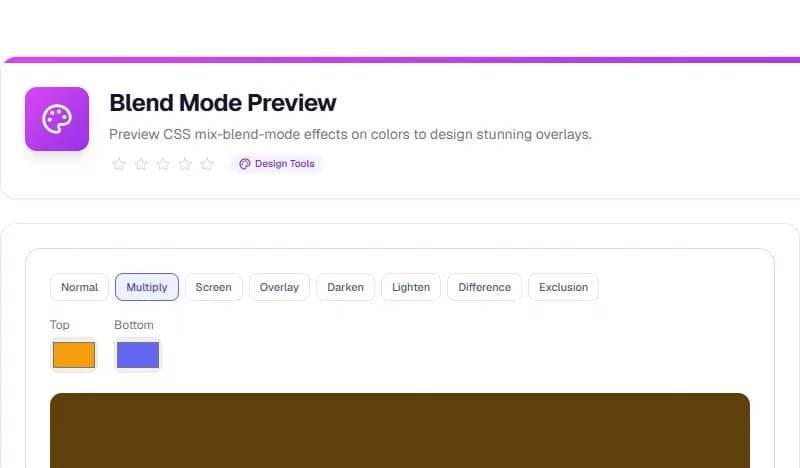
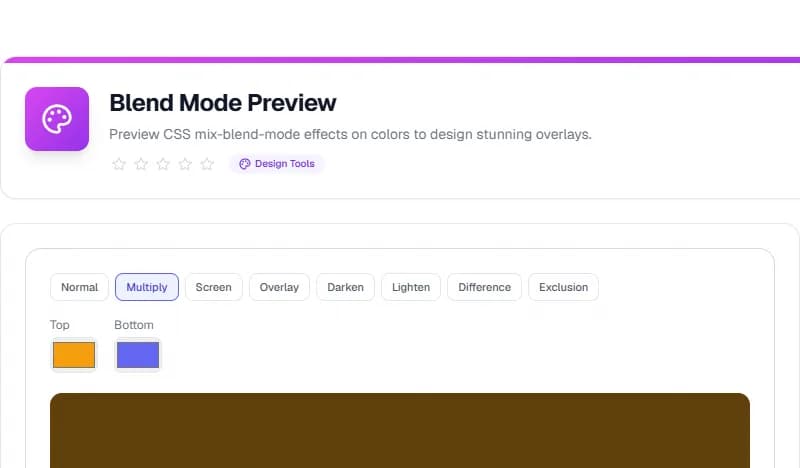
Preview CSS mix-blend-mode effects on colors to design stunning overlays.
What is Blend Mode Preview?
Preview CSS mix-blend-mode effects on colors to design stunning overlays.
How to Use
Open the tool, enter your values, and view results instantly. It works in your browser — no sign-up.
Why Use It?
Blend Mode Preview runs in your browser, keeping your data private. Free, no limits.
Try the Blend Mode Preview now — free and private.
Step-by-Step Usage
- Open the Blend Mode Preview
- Choose a blend mode
- Pick top and bottom colors
- See the result
Key Features
- 8 blend modes
- Top/bottom color pickers
- Live preview
- CSS output
Frequently Asked Questions
What is mix-blend-mode?
Blends an element with its background.
Is it free?
Yes.
Start using the Blend Mode Preview tool now — it's free and works entirely in your browser.
Conclusion
The Blend Mode Preview is a practical, free solution that handles the task quickly and accurately in your browser. Whether you are a beginner or an experienced user, it removes the guesswork and saves you time.
You can use the Blend Mode Preview as often as you need — there are no limits, no sign-up, and no data is ever uploaded. Simply open the tool, enter your details, and get your result in seconds.
Start using the Blend Mode Preview now and see how it simplifies your workflow.
Taskly Team
The Taskly team is dedicated to providing the best free online tools and educational content.
Enjoyed this article?
Subscribe to our newsletter to get the latest articles and tools as soon as they are published.
Newsletter
Get the latest tools and articles in your inbox